FBReaderJ 0.5.[89] is released (June 30, 2009).
Changes:
- Book loading speed-up for zip-archived books (i.e. epubs, oebs and fb2.zip).
- New menu icon set.
Changes:
- Book can be deleted from FBReader library (and from the device). Use context menu for a book in the library.
- An annoying bug related with book re-opening has been fixed.
Changes:
- Mobipocket files downloading from http://feedbooks.mobi has been fixed.
- An option to prevent phone screen from a sleep in reading mode has been added.
Changes:
- Trackboll hyperlink navigation has been implemented.
Changes:
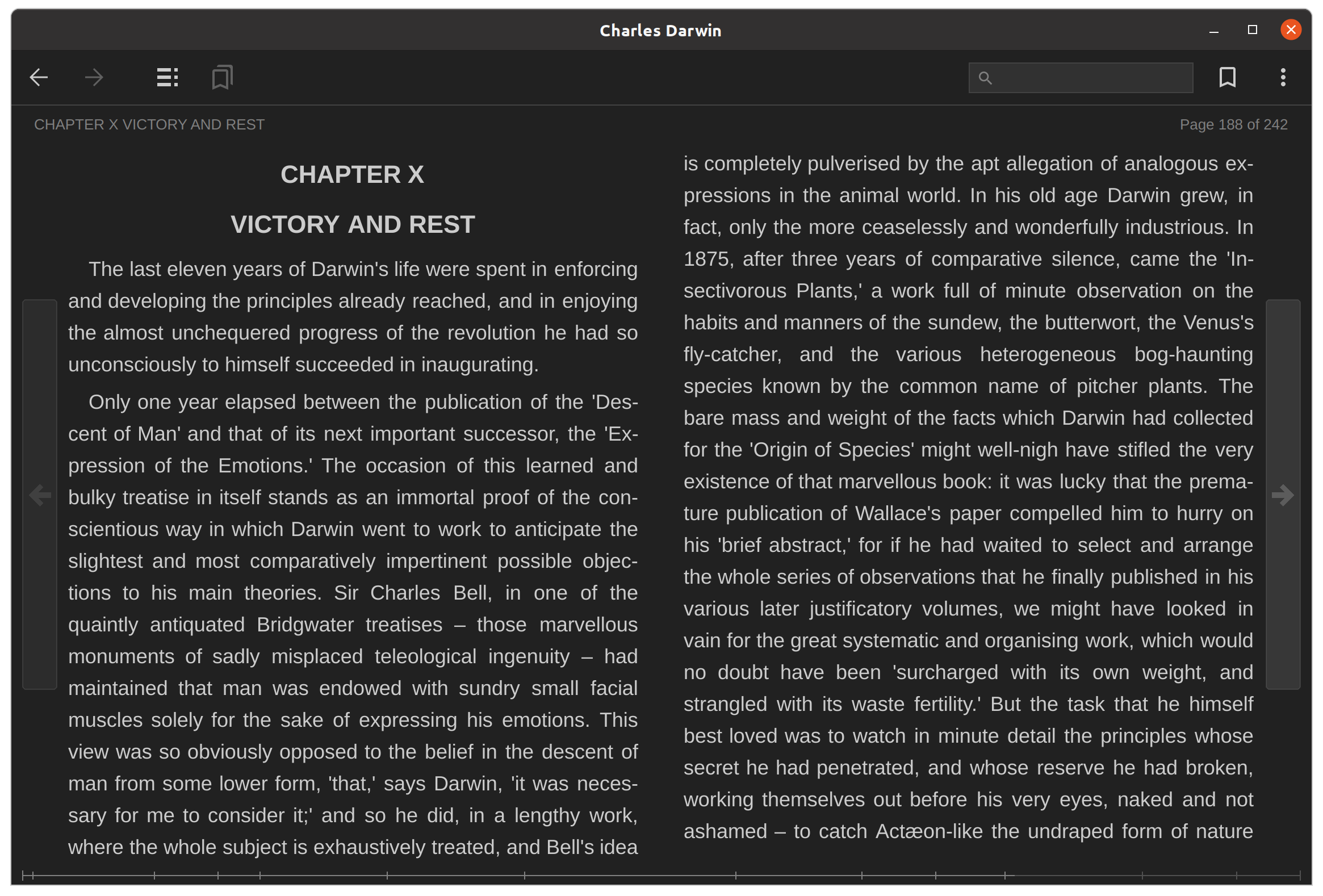
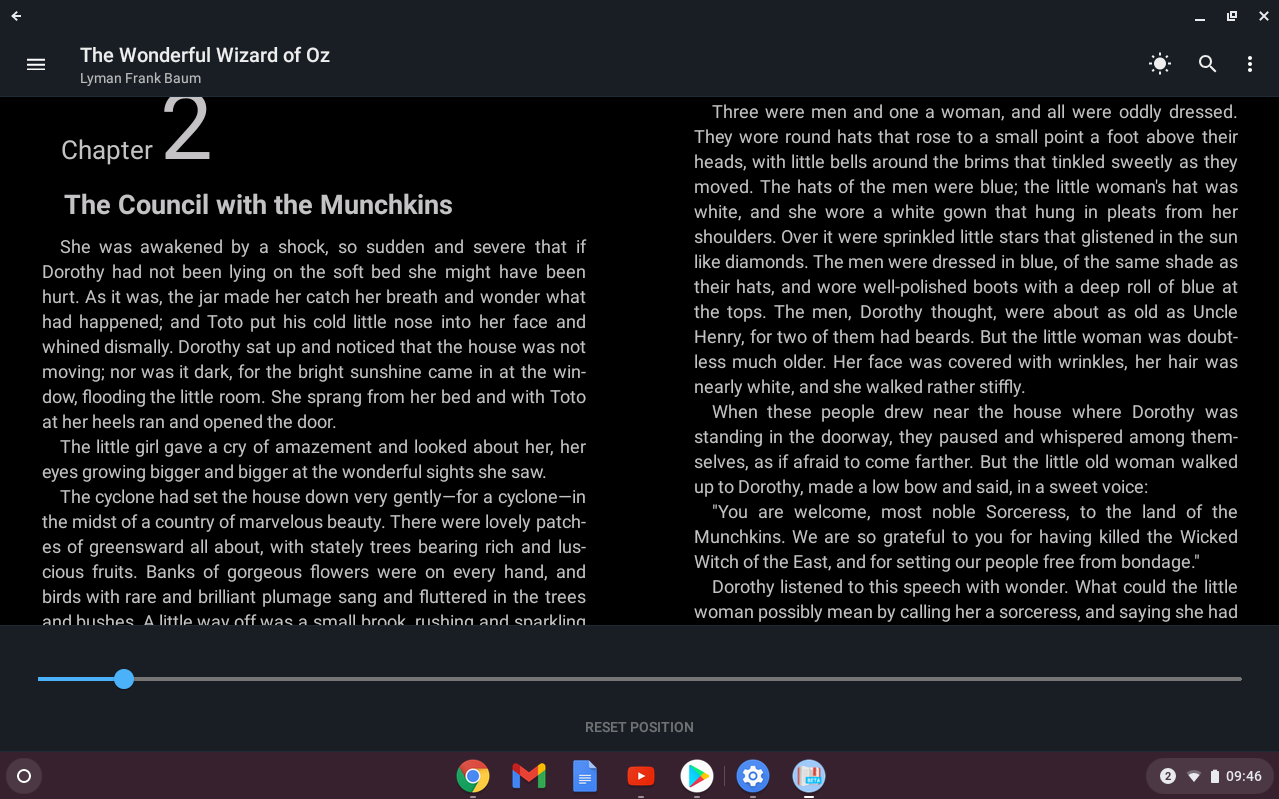
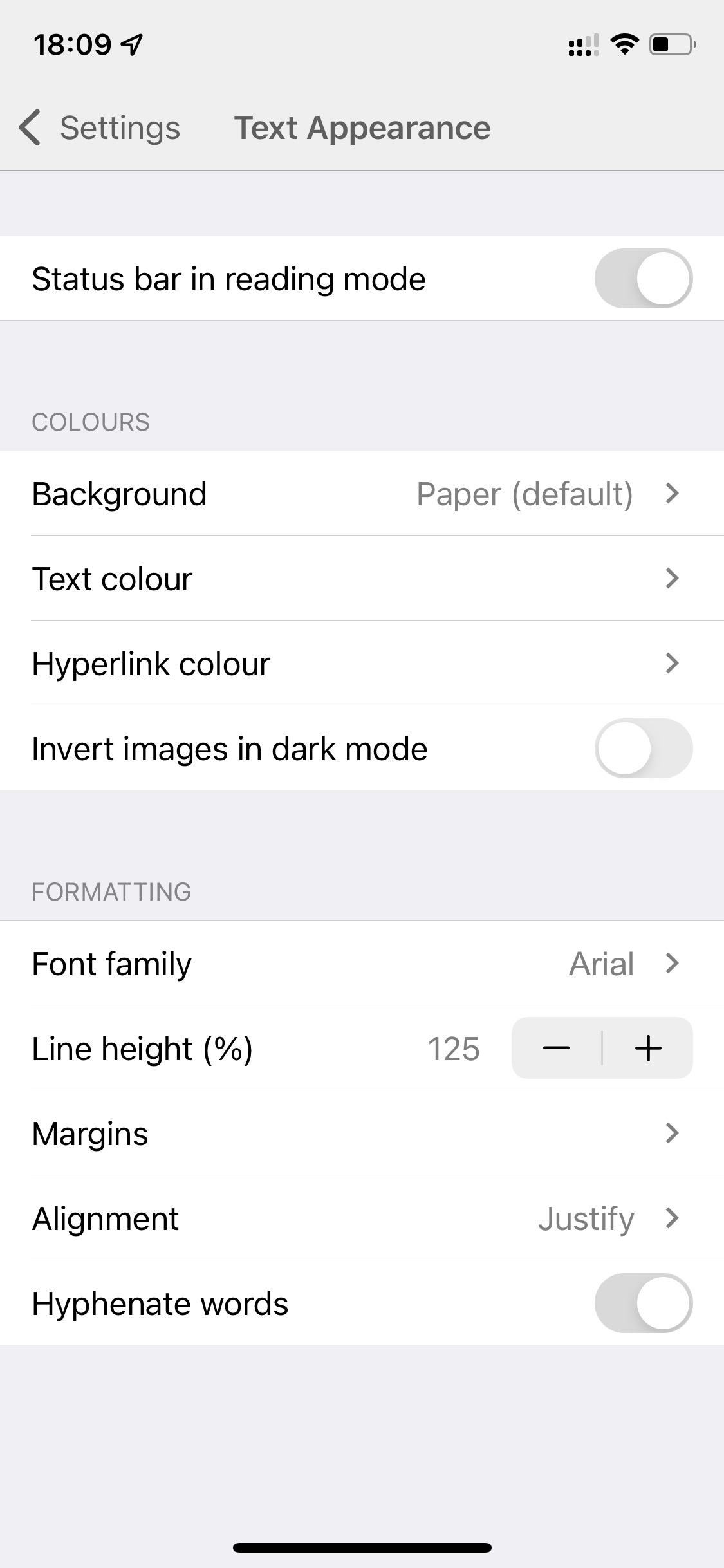
- Color profiles have been added. You can switch "White on black" and "Black on white" modes in the Preferences dialog.
- Several annoying bugs have been fixed.
Changes:
- A crash on some mobipocket files has been fixed.
- fb2.zip files downloading has been fixed.
Changes:
- A crash on epub files with images has been fixed.
Changes:
- Experimental Mobipocket format support has been added. FBReaderJ support only modern non-DRM'd Mobipocket books. (Tested on the books from feedbooks.com.)
- Bookmarks have been added.
- Icons in the main menu have been added.
Changes:
- Library loading speed has been added.
- Image scaling has been implemented.
- Text search has been implemented.
- Local book search has been implemented.
- Russian localization has been added.
Changes:
- Unused options have been removed from the dialog.
- Several out of memory exceptions have been fixed.
Changes:
- Book Info dialog has been added. Using this dialog you can change a language setting for the book. This setting is important because it defines a hyphenation pattern set.
Changes:
- Out of memory exception for fb2 files with large number of images has been fixed.
Changes:
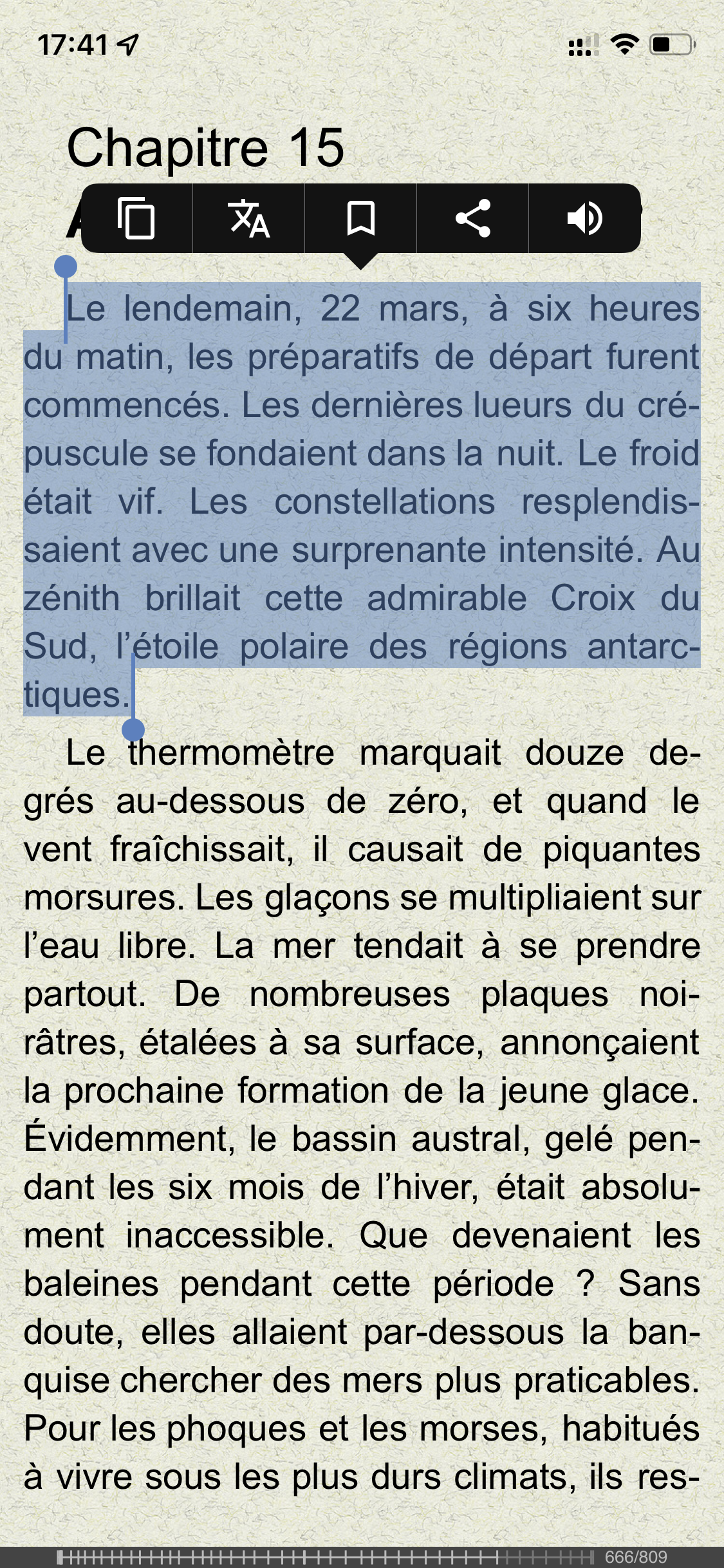
- Smooth scrolling has been implemented.
- New preferences dialog has been added.
- Scrolling options are configurable in the new dialog.
- An automatic screen rotation can be disabled in the new dialog.
- A fullscreen mode can be enabled from the new dialog.
- Other options are still not moved from the old preferences dialog.
Changes:
- A crash on files with no specified language (e.g. on fb2 files converted by Amber .lit converter) has been fixed.
- French hyphenation patterns were fixed.
Changes:
- A crash in epub file processing has been fixed.
Changes:
- Library information has been moved from the config database into a separate database. Library speed is increased. The first library loading may take some time (about 3 seconds for 30 books in my library) however all the further loadings should be much faster.
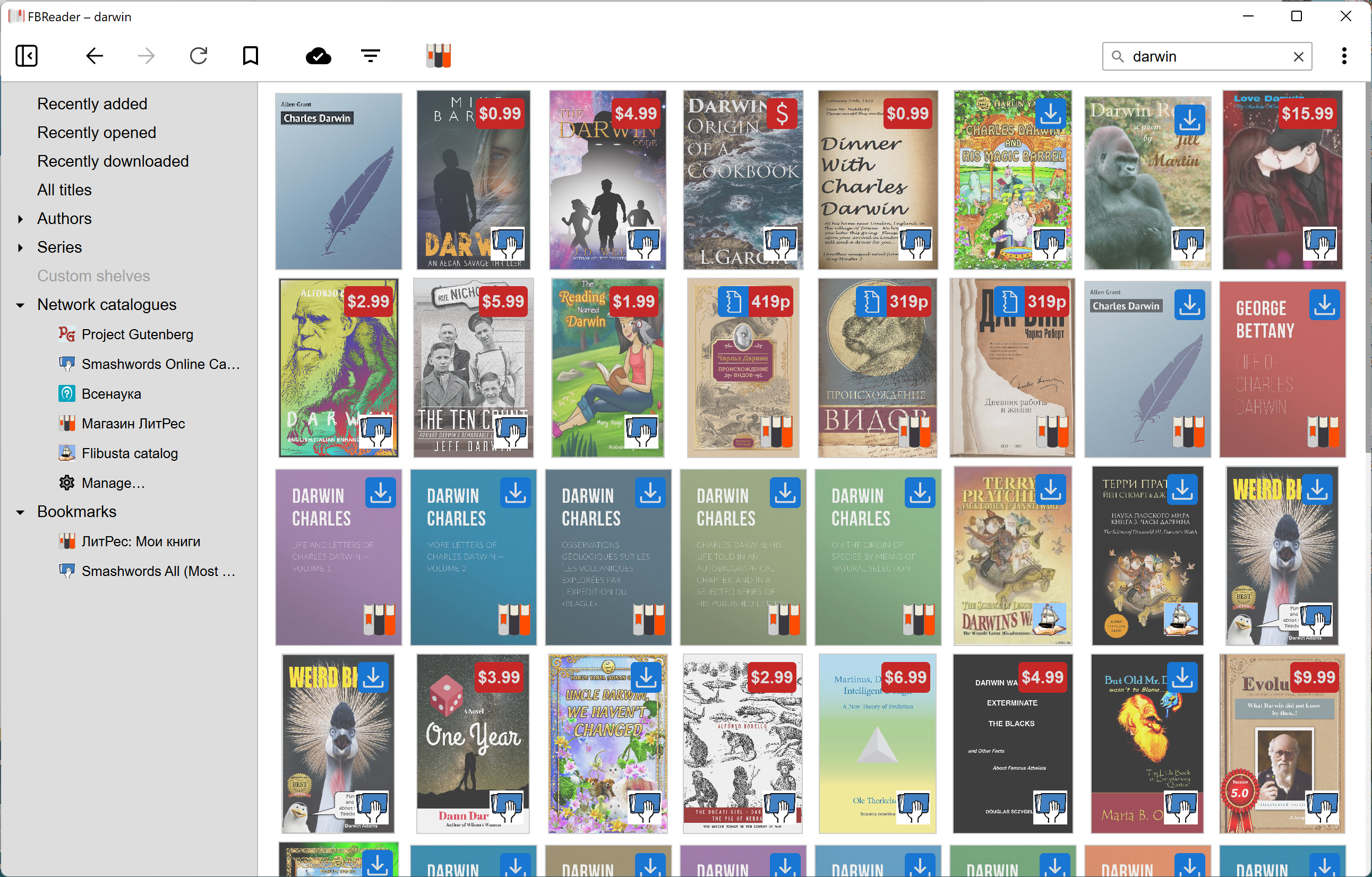
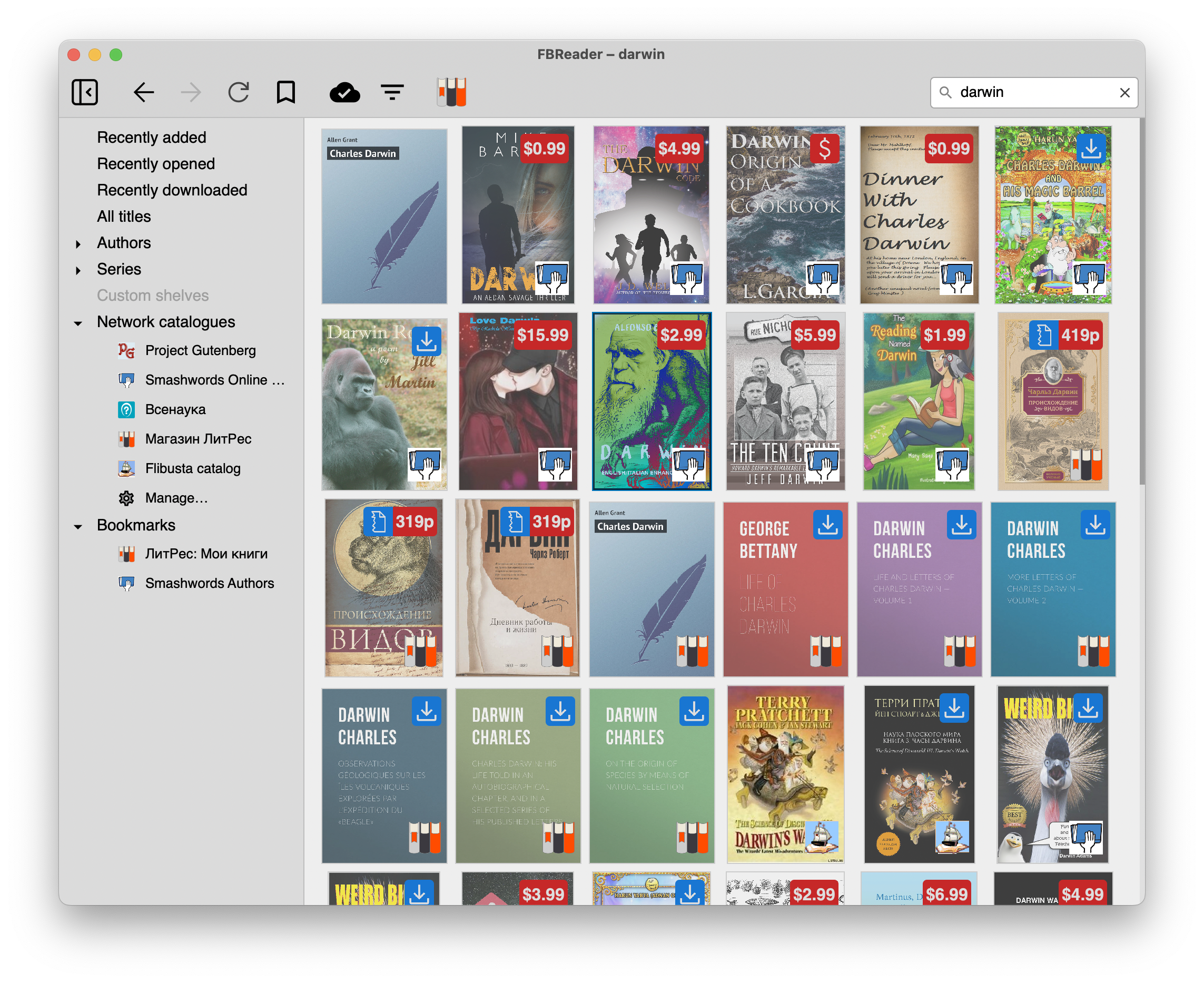
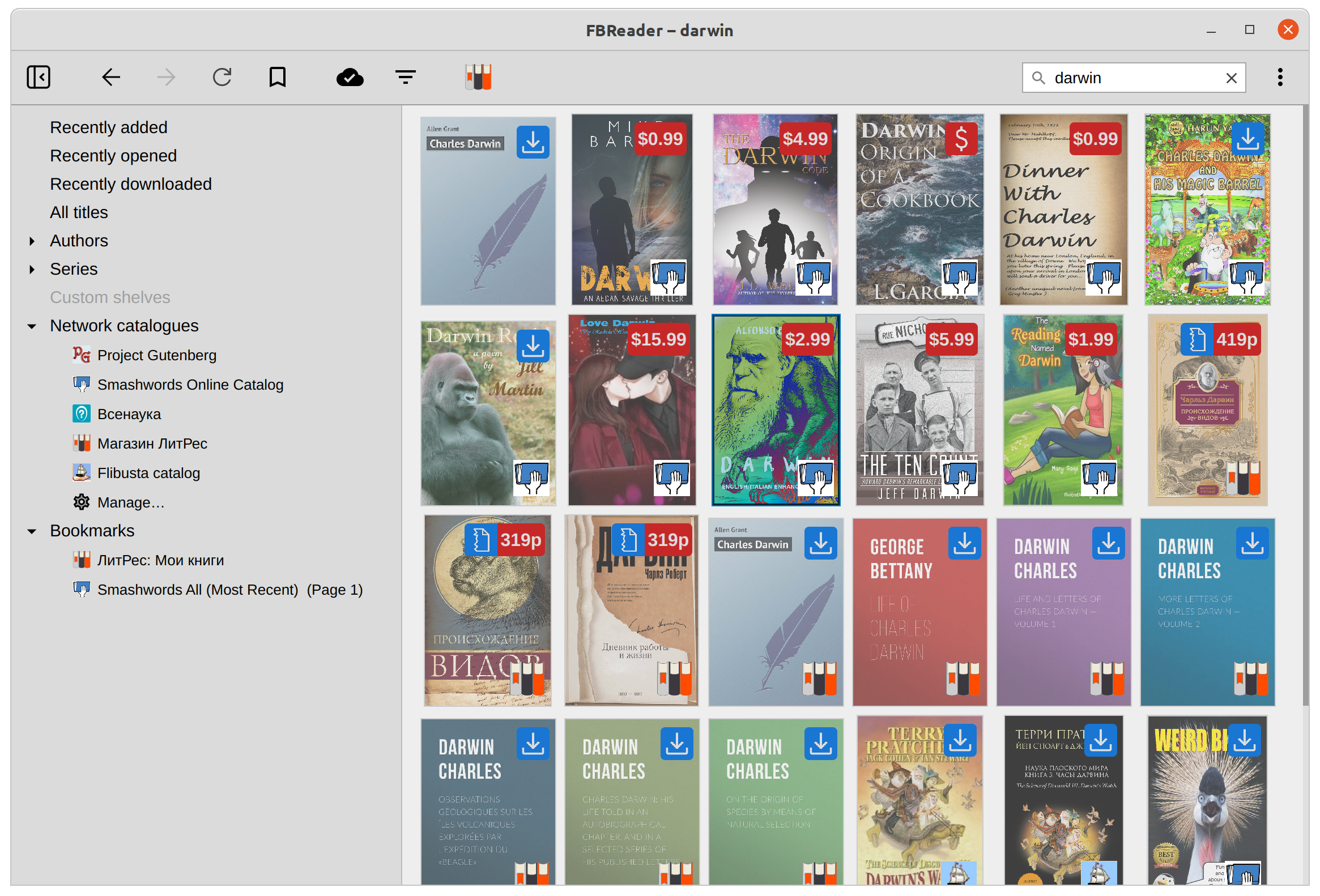
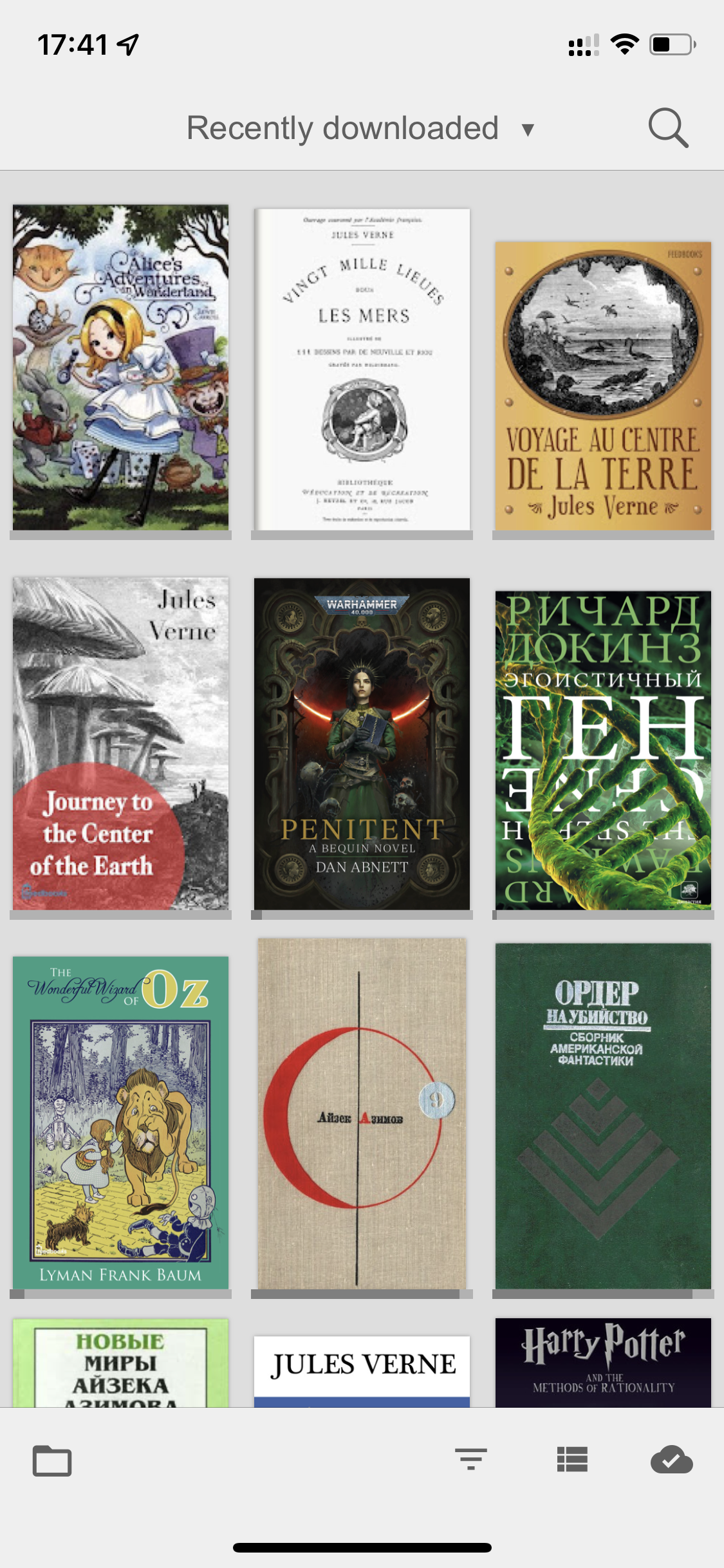
- Library view has been changed. Tree view is used instead of simple list. (New screenshots are available.)
- Table of Contents has been implemented.
- Epub format support has been improved. NCX table of contents support has been added, OPF namespace has been supported, etc.
Changes:
- A conflict between hyperlink clicks and touch scrolling has been fixed.
- In maemo versions, empty menu items have been hidden.
- In maemo 2/3 versions, conflicts in package descriptions have been fixed.
Changes:
- A bug with images/css links in epub has been fixed. All the links inside XHTML files were interpreted relative to the root OPF location instead of XHTML file location. As a result, some images were not shown in epub books.
Since this version packages for Nokia 770 (Maemo 2.x) and Nokia N800 (Maemo 3.x) are splitted. This is done because an Internet connection API used in Maemo 3.x is not available in Maemo 2.x. Repositories for mistral and bora distributions are now different.
We have no devices to test these packages. If you have any problem with installation and/or running FBReader on your Nokia 770/N800 device please let us know at FBReader Google group. Old (0.8.17) packages for these old devices are available for download.
FBReader 0.10.5 is released (March 20, 2009).Changes:
- The migration tool from version 0.8.* has been fixed. If you made an upgrade on your Internet Tablet or desktop computer from 0.8.* to this version, the first opening of your library will take some time. (About 2 minutes on Nokia 810 for my 400-book library.) Please, be patient, the second opening of the library will be as fast as usual.
- An FBReader freeze has been fixed.
- Several text selection related issues have been fixed.
- Desktop debian packages have been updated to avoid a conflict with a version in the standard Ubuntu 9.04 repository.
- This version is released for Linux and Windows desktop/netbook platforms and for Nokia Internet Tablets (Maemo platform).
- If you use our debian repository please pay attention: repository name is changed from
etchtostable.
- This is first release of the 0.10.* series for the Maemo platform. 0.10.* series includes network libraries search, right-to-left languages support, partial CSS support for epub books, etc. See the full list of changes in 0.10.0 for details.
- Multiple fixes in the epub format support.
Changes:
- FBReaderJ home page has been updated.
- FBReaderJ digital signature has been changed. For the versions below 0.3.0, an auto-generated Google SDK debug key was used. We plan to publish FBReaderJ in the Android Market in the near future. Android Market does not accepts applications signed by the debug key. Unfortunately, this means that if the FBReaderJ of version < 0.3.0 is installed on your device, you must remove the old version before installing the new one. Moreover, all the settings from your old version will be lost, sorry.
- FBReaderJ is now registered as the viewer for epub/oeb/fb2 files. If you'll click a link to a file with extension
.epub,.oeb,.fb2or.fb2.zipin the Android web browser, the file will be downloaded to the device and opened in FBReaderJ. If you'll click the same link again, a book will not be downloaded again, local copy will be used for reading. - File selection dialog has been removed. To open a book in FBReaderJ you should copy it into the
/sdcard/Booksdirectory on your device (or into any subdirectory of/sdcard/Books). Alternatively, you can click a book link in the Android web browser. - New library view has been implemented. You can open it with Menu->Library item.
- OS standard scrollbar is used instead of own FBReader position indicator.
- More androidish text scrolling.
- Standard Android view for Setting dialog.
- Non-DRM'd Mobipocket format support.
- Network libraries integration.
Changes:
- Book position keeping has been fixed.
- Zip/epub reading speed has been increased.
- Several crashes during book loading have been fixed.
- Register FBReaderJ as the default viewer for fb2/epub files.
- Standard Android view for Setting dialog.
- The Library view will be changed to be more convenint for finger tapping.
- Non-DRM'd Mobipocket format support.
- Network libraries integration.
- Version 0.10.3 is a third bugfix for 0.10.0, it is released for Desktop/Netbook computers only (for both Linux and Windows platforms).
- Some issues related to multi-file tar, tar.gz and tar.bz2 archives have been fixed.
- Greek hyphenation patterns were regenerated from another TeX source; new version has no license issues from the Debian point of view.
- Version 0.10.2 is a second bugfix for 0.10.0, it is released for Desktop/Netbook computers only (for both Linux and Windows platforms).
- A crash in Preferences Dialog (Windows version) has been fixed.
- Images order in mobipocket files has been corrected.
- Indonesian localization files have been updated.
- Version 0.10.1 is a bugfix for 0.10.0, it is released for Desktop/Netbook computers only (for both Linux and Windows platforms).
- Fixed an infinite loop in library building code.
- Fixed <Space> key processing in qt4-based version.
- Book description is visible for books found in network libraries.
- This release is sponsored by Intel® Learning Series.
- Version 0.10.0 is released for Desktop/Netbook computers only (for both Linux and Windows platforms).
- Packages for Nokia Internet Tablet and other platforms will be released soon.
- Network libraries integration has been added. FBReader can search and download books from Feedbooks.com and LitRes libraries. We plan to add more libraries in future releases. Short guide for this new feature is available online.
Privacy notice: FBReader does not send any information to libraries without user request (and never sends any information about user's library or other user's information). - Partial CSS support for epub files has been added. CSS support in html and fb2 is coming soon.
- Epub and Mobipocket book formats support has been substantially improved.
- Library view usability has been improved: you can now organize the tree either by author or by tag.
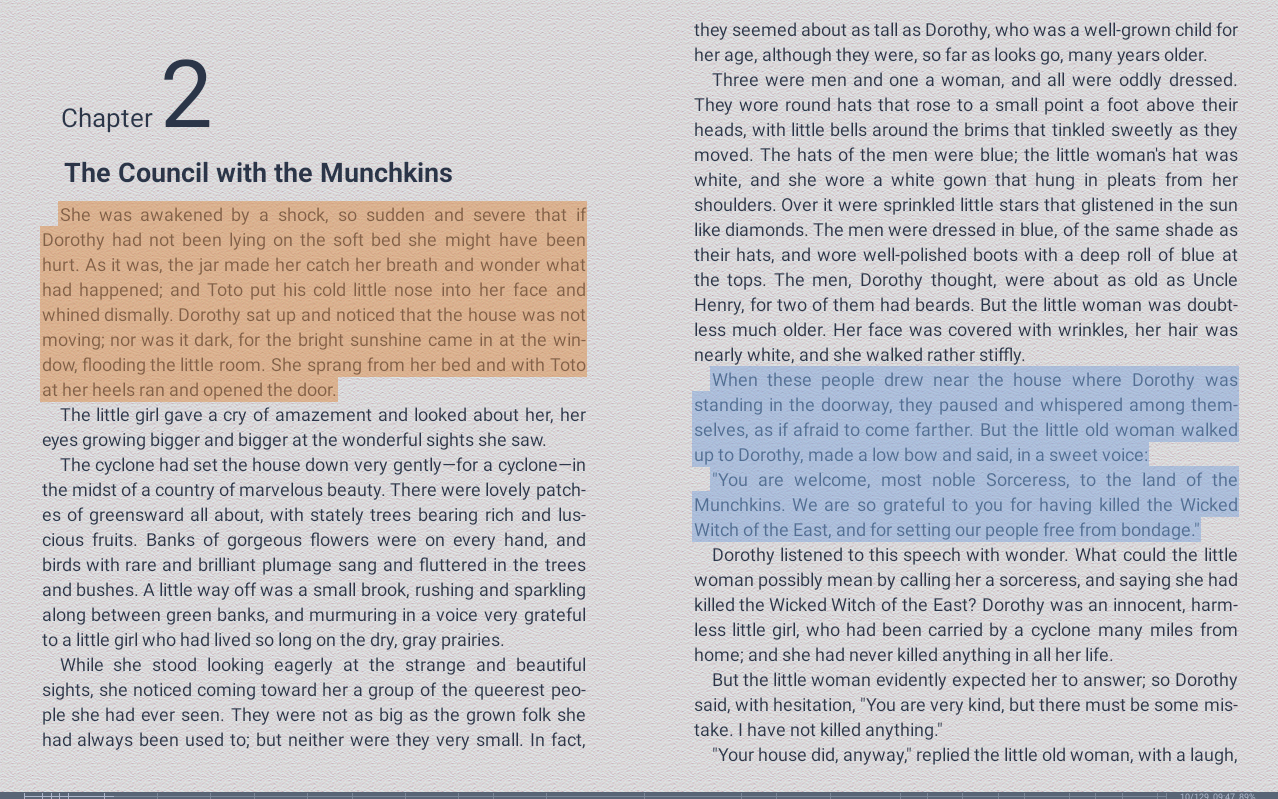
- You can now select a word by double-click and a paragraph by triple-click.
- Right-to-left languages and bidirectional texts support has been added (GNU FriBidi library is used).
- Support for Arabic, Hebrew, Greek and Turkish has been added.
- Czech localization has been added (many thanks to Lubomír Čevela).
- FBReader now has a new set of icons.
- It's now possible to use OS scrollbar for navigating through the text (this is now default and if you would like to continue using old variant, you can change it in the preferences dialog.)
- Various bugs have been fixed.
Changes:
- Book scrolling is now more Androidish. To scroll a text you should move your finger over the touchscreen.
- Volume +/- keys on the left side of the device are used for the text scrolling too.
- 'Add Book' dialog has been changed to be more convenient for finger tapping.
- Book position saving has been fixed.
- Register FBReaderJ as the default viewer for fb2/epub files.
- Fullscreen mode.
- Faster zip file loading.
- Standard Android view for Setting dialog.
- The Library view will be changed to be more convenint for finger tapping.
Changes and known issues:
- Recompiled with the newest version of Android SDK. This version should work on real devices.
- Several UI issues are still not fixed. Options dialog is not standard. Menu icons are still not presented.
- Large zip files loading is too slow.
- Unofficial port of the latest version (0.8.17) for MacOS X is available. Many thanks to Stanislav Gobunov who is the author of this port.
- Packages for both Intel and PPC architectures are available for download from the port site.
Changes:
- Added text selection.
- Added book tag support.
- Added a page about FBReader in Broncho project.
This is first beta version of FBReader java port. This version includes binaries for Google Android only, but we plan to compile packages for J2ME devices (like Symbian mobile phones) and desktop computers. For more informations and/or downloads please visit FBReaderJ project page.
FBReader 0.8.17 is released (March 23, 2008).
Changes:
- Fixed crash after removing a book from library.
- Updated Finnish interface translation.
Complete history of all releases is available here.